
A WIDE SELECTION OF PROMOTIONAL GIFTS

All promotional products from one place - convenient, fast and professional service

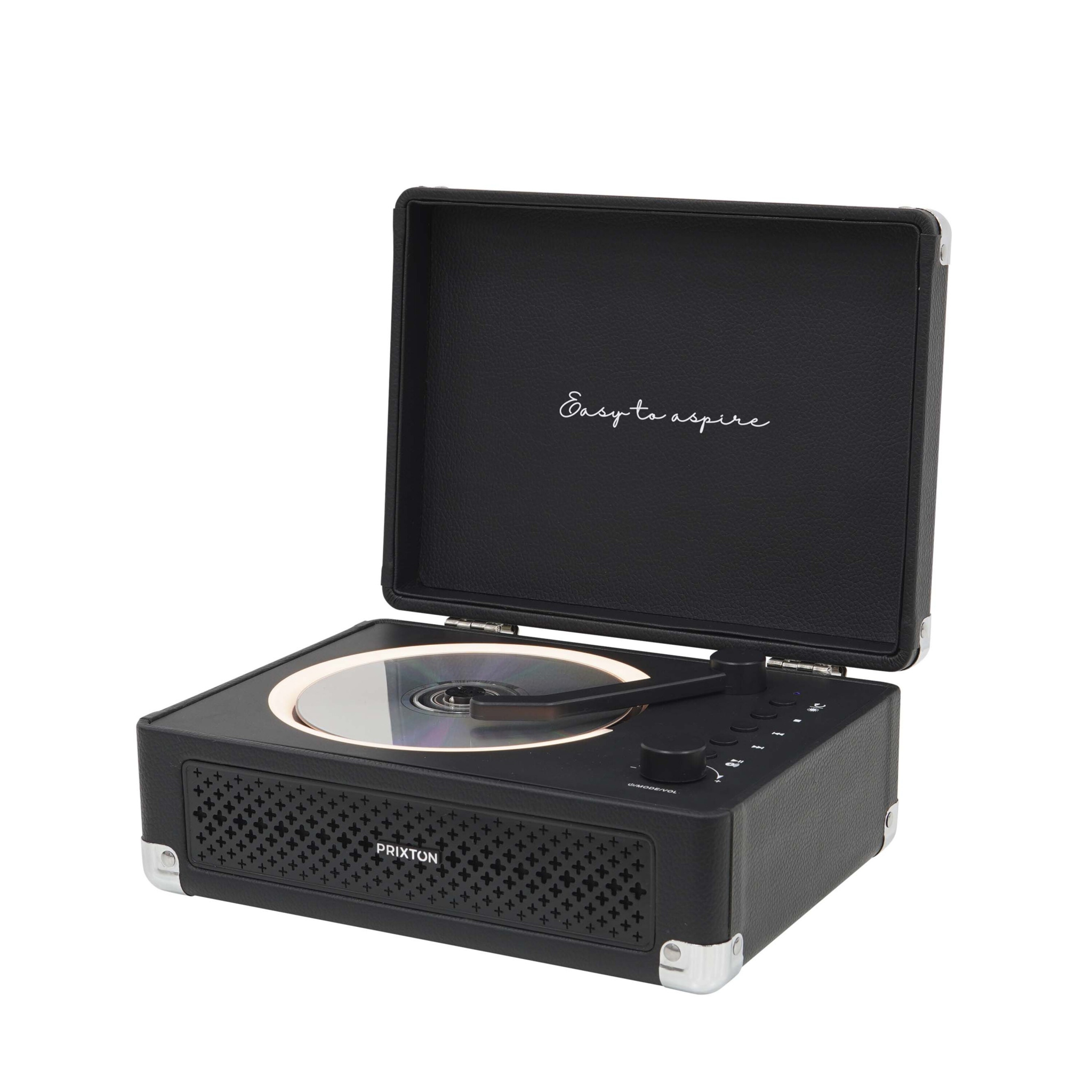
Prixton Boogie CD player, Black
Products All products Prixton Boogie CD player
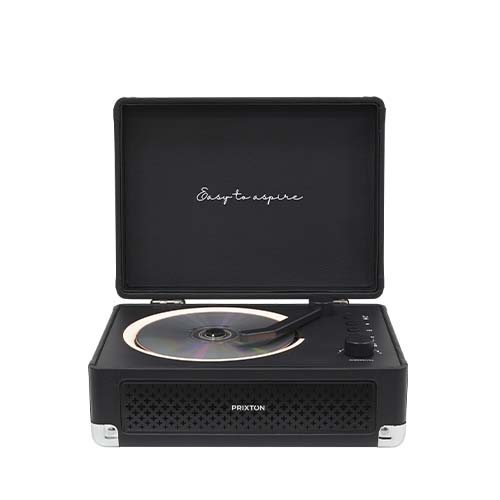
Prixton Boogie CD player, Black, product image
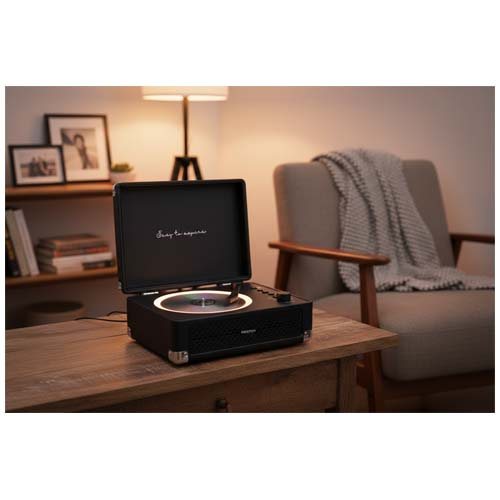
Prixton Boogie CD player – Black, product image (1)
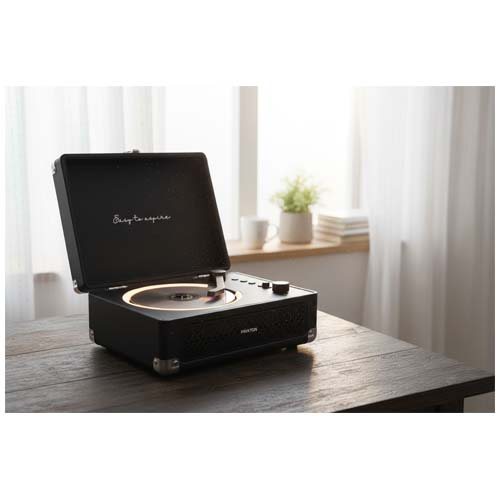
Prixton Boogie CD player – Black, product image (2)
Prixton Boogie CD player – Black, product image (3)
Price from
82.90 €/pc + VAT

The displayed price applies to the product without printing, engraving or embroidery. Decoration costs are added according to the selected method.

Select quantity and calculate price

Choose color:

Enter amount:

Product codeAmountAvailability
PF-1PA18290
856 pcs
11.02.2027: + 1 000 pcs

Printable areas:

Try your logo on the actual product image. The preview uses the supplier's exact print-area position and dimensions.

Print area

This visual shows placement only; it is not a production file or proof of print quality. Artwork is checked and approved by a person before production.

Share this product:

According to the manufacturer, Boogie has a portable suitcase-style body and a carrying handle. The selected variant is black. According to the manufacturer, Boogie plays audio CDs and discs containing MP3 or WMA files. According to the manufacturer, it offers Bluetooth playback, FM radio, an AUX IN input and a headphone output. According to the manufacturer, it has two 3 W speakers.

According to the manufacturer’s manual, the power source is DC 5 V / 2 A and the battery capacity is 3000 mAh. Connect the USB-C charging cable to the charging port and to a USB wall charger with a 5 V / 2 A output. The cable is included; the wall charger is not. Fully charge the battery before first use; the manufacturer recommends switching the unit off while charging. For long periods of non-use, the manufacturer instructs charging the battery at least once a month.

According to the manufacturer’s manual, remove the protective cardboard from the disc tray. Select CD mode, insert the disc with its printed side facing up and slide the CD arm switch to the left. Move the switch back to the right before replacing the disc. According to the manufacturer’s manual, press and hold the REPEAT/LIGHT button to switch the LED light ring on or off.

According to the manufacturer’s instructions, place the unit on a flat, stable surface free from vibration. Keep it cool and dry, and keep connections free from dust. Do not open or handle the internal parts yourself; contact the manufacturer’s technical service if a fault occurs.

Frequently asked questions

Boogie 1PA18290 — Which discs and files can it play?
According to the manufacturer, Boogie plays audio CDs and discs containing MP3 or WMA files.
Boogie 1PA18290 — What other listening and connection options are available?
According to the manufacturer, it offers Bluetooth playback, FM radio, an AUX IN input and a headphone output.
Boogie 1PA18290 — What speakers are built in?
According to the manufacturer, it has two 3 W speakers.
Boogie 1PA18290 — How is it powered and charged?
According to the manufacturer’s manual, the power source is DC 5 V / 2 A and the battery capacity is 3000 mAh. Connect the USB-C charging cable to the charging port and to a USB wall charger with a 5 V / 2 A output. The cable is included; the wall charger is not. Fully charge the battery before first use; the manufacturer recommends switching the unit off while charging.
Boogie 1PA18290 — What should I do before playing a CD for the first time?
According to the manufacturer’s manual, remove the protective cardboard from the disc tray. Select CD mode, insert the disc with its printed side facing up and slide the CD arm switch to the left. Move the switch back to the right before replacing the disc.
Boogie 1PA18290 — How do I switch the LED light ring on or off?
According to the manufacturer’s manual, press and hold the REPEAT/LIGHT button to switch the LED light ring on or off.
Boogie 1PA18290 — How is the player designed for carrying?
According to the manufacturer, Boogie has a portable suitcase-style body and a carrying handle. The selected variant is black.
Boogie 1PA18290 — What placement and care instructions apply?
According to the manufacturer’s instructions, place the unit on a flat, stable surface free from vibration. Keep it cool and dry, and keep connections free from dust. Do not open or handle the internal parts yourself; contact the manufacturer’s technical service if a fault occurs.

Popular products