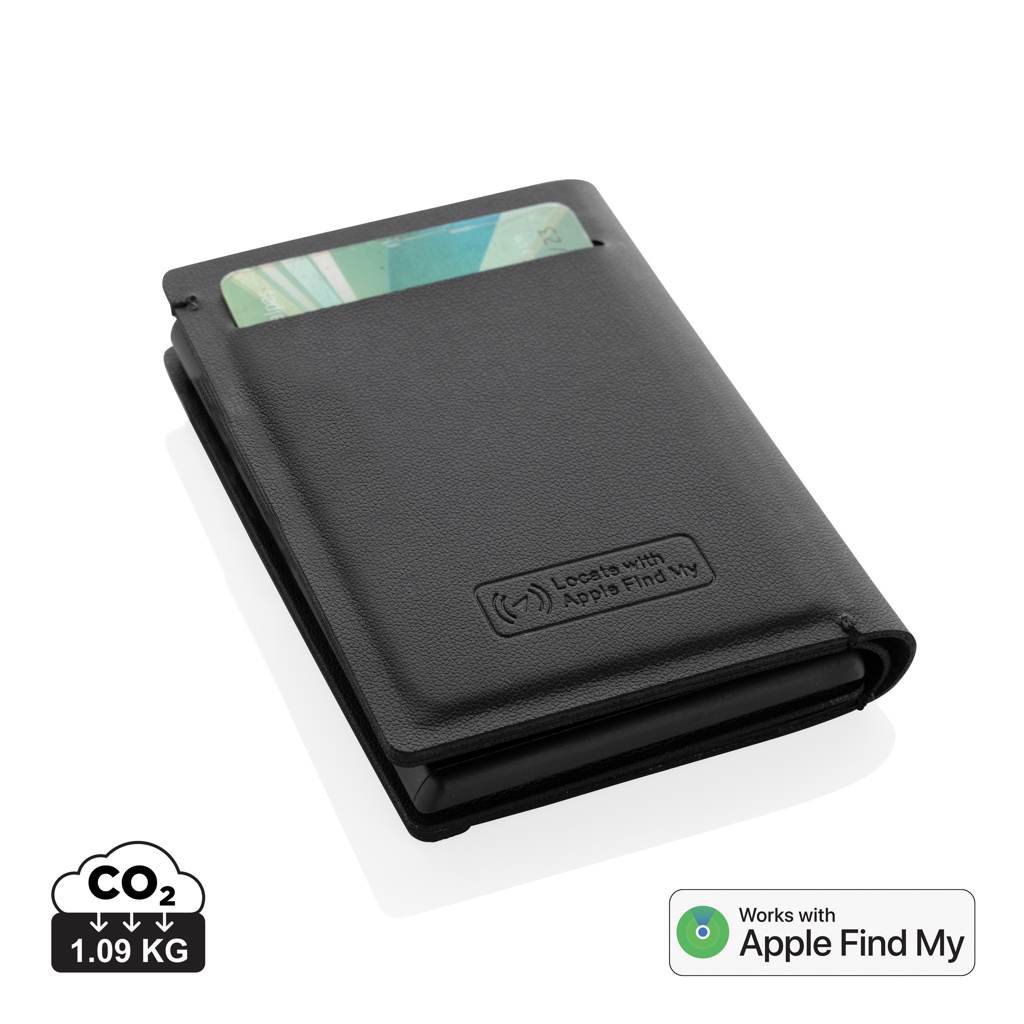
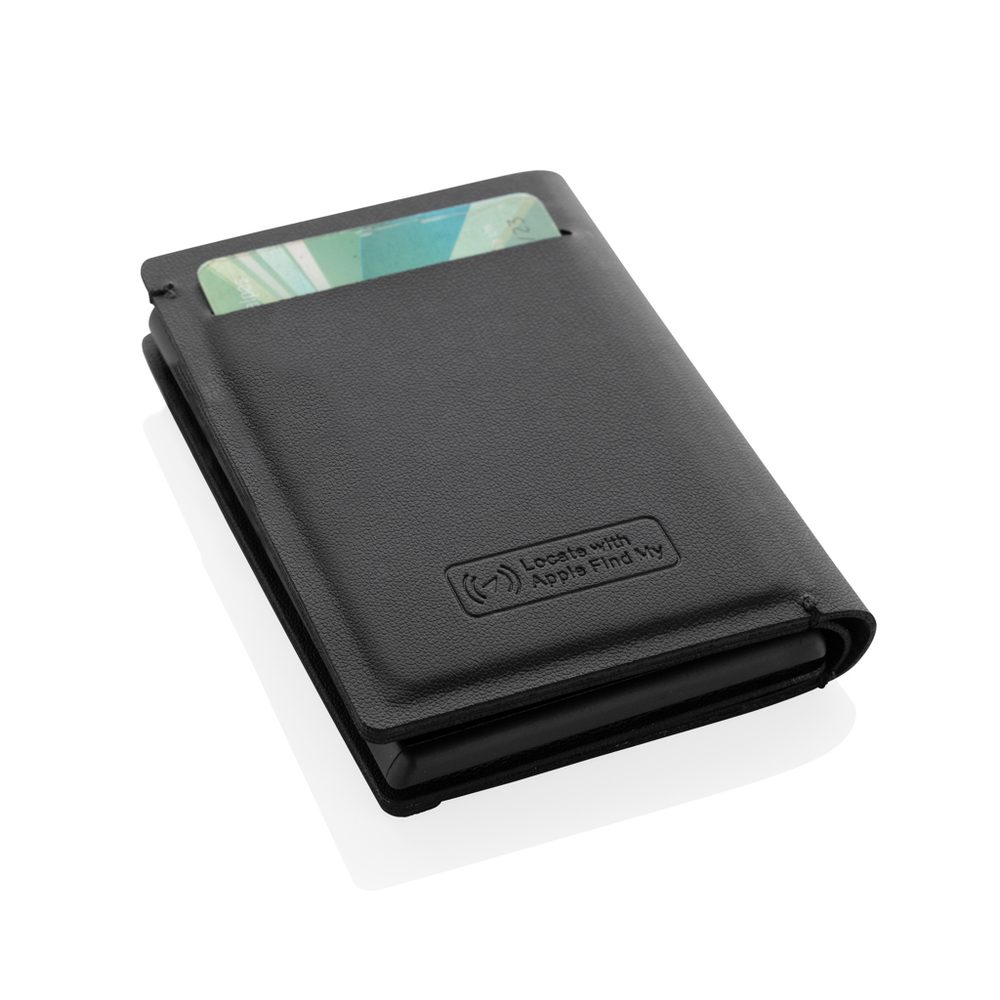
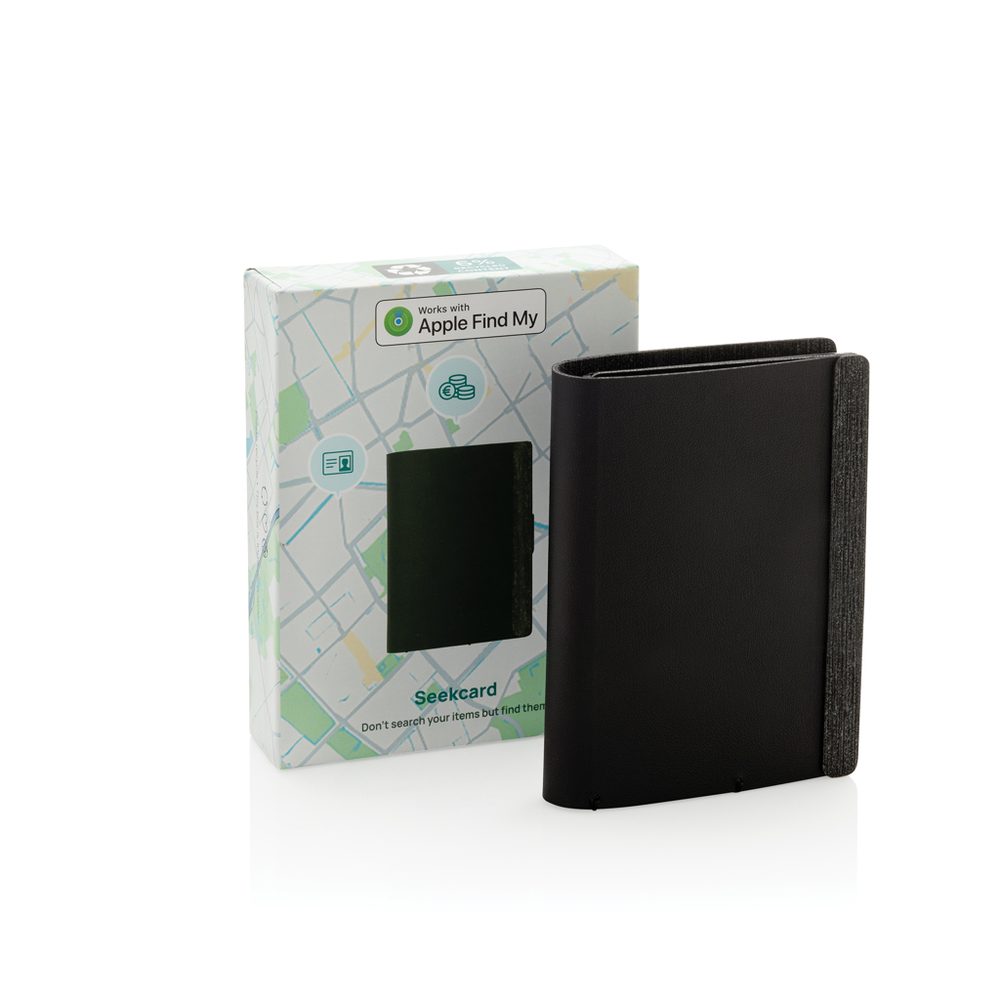
Seekcard RCS rpolyester card wallet with worldwide locating, black
Seekcard P301.59
Seekcard is designed for Apple's Find My network. Initial setup can be completed on a supported iPhone or iPad. The manufacturer recommends keeping the operating system up to date. Switch Seekcard on and keep it close to your phone. In Find My, open the Items view, choose to add an item and select other supported items. Follow the pairing instructions and give the card wallet a recognizable name.
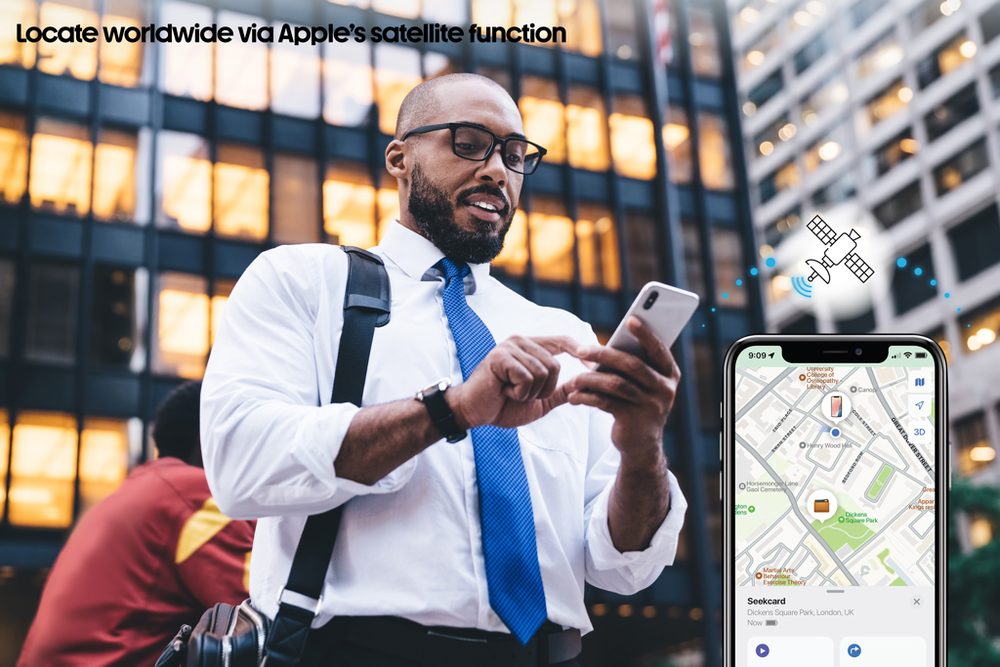
Select your Seekcard in Find My and play a sound. A nearby card wallet emits an audible signal to help you find it. Location updates depend on a connection to Apple's Find My network. If the item cannot currently be located, the app can show its last known location and timestamp. This does not guarantee continuous real-time tracking or finding the item everywhere.
The model supports left-behind notifications through Find My. Allow app notifications and configure a separation alert for your item; receiving an alert depends on settings and connectivity. Select Seekcard in Find My and enable Lost Mode or contact information display as directed by the app. You can leave a phone number or email address for the finder and request a notification when a location becomes available.
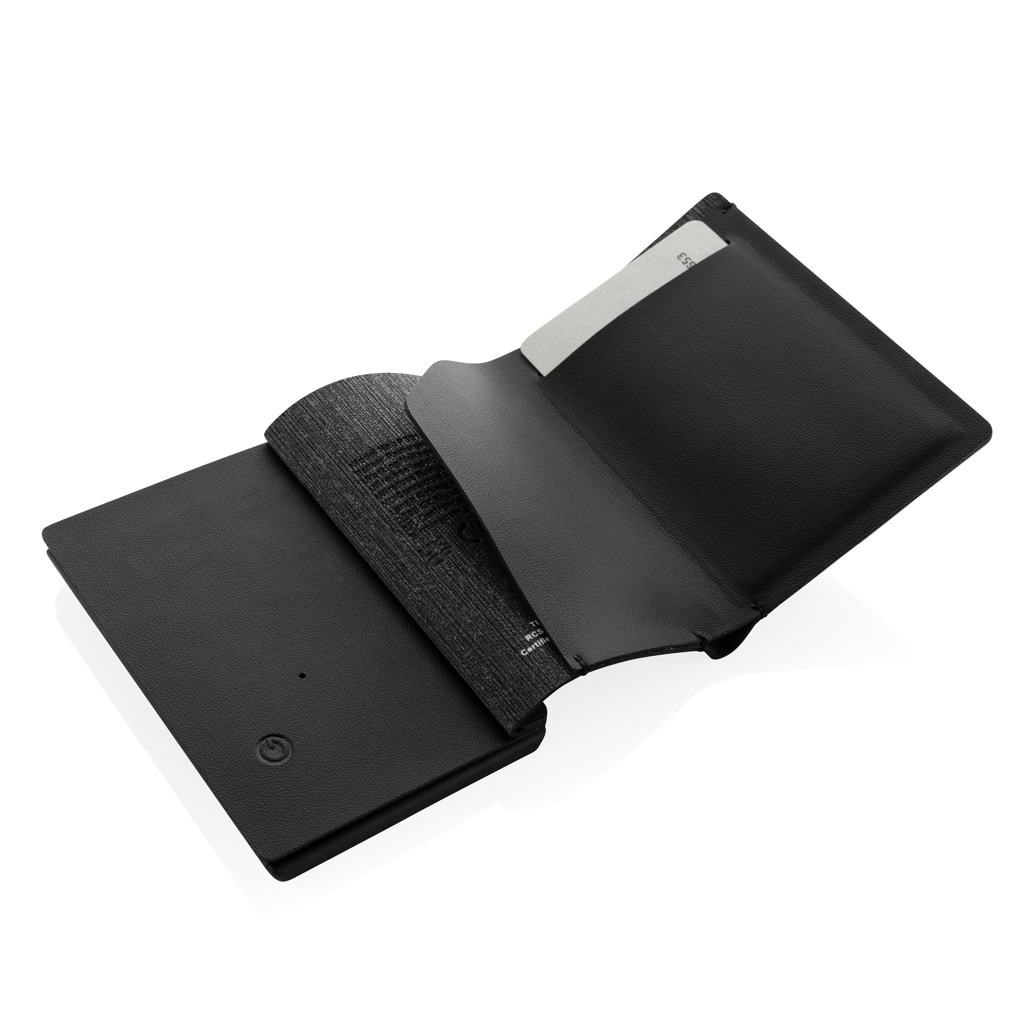
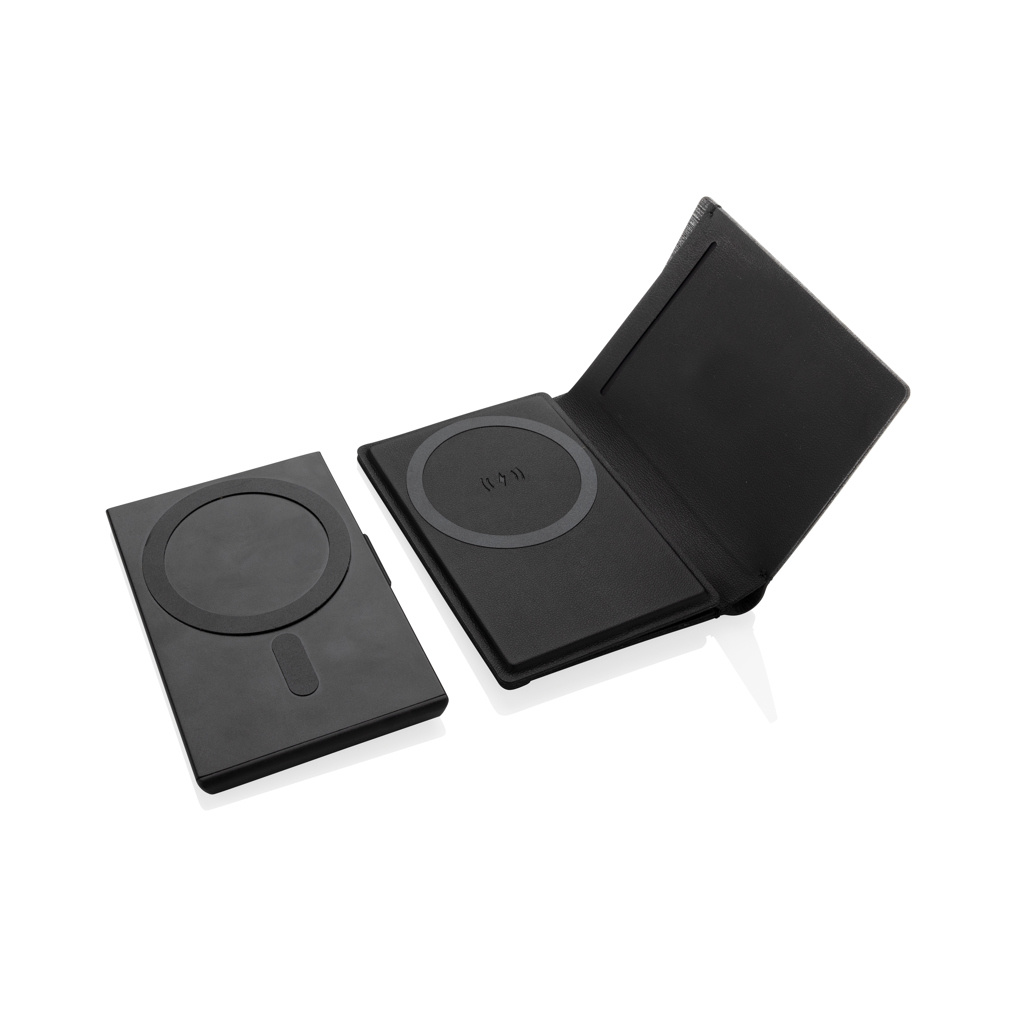
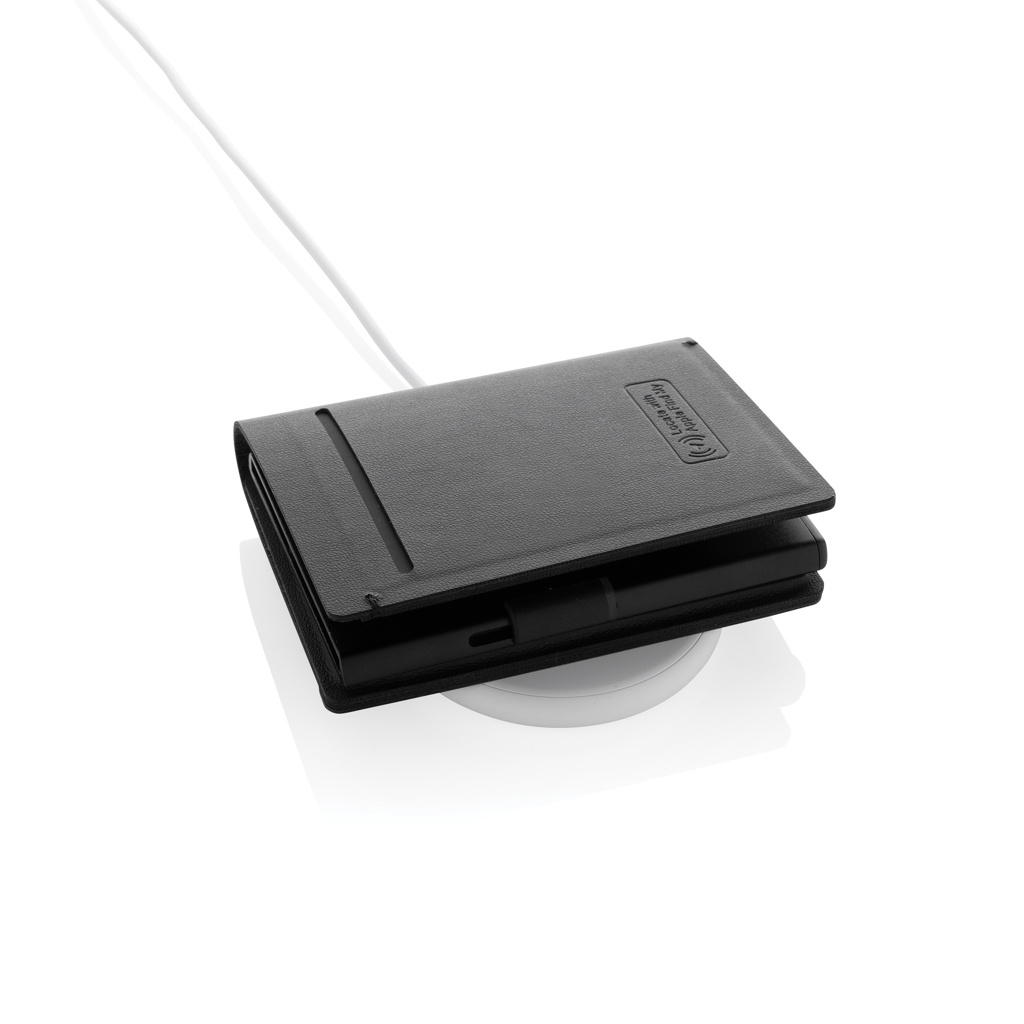
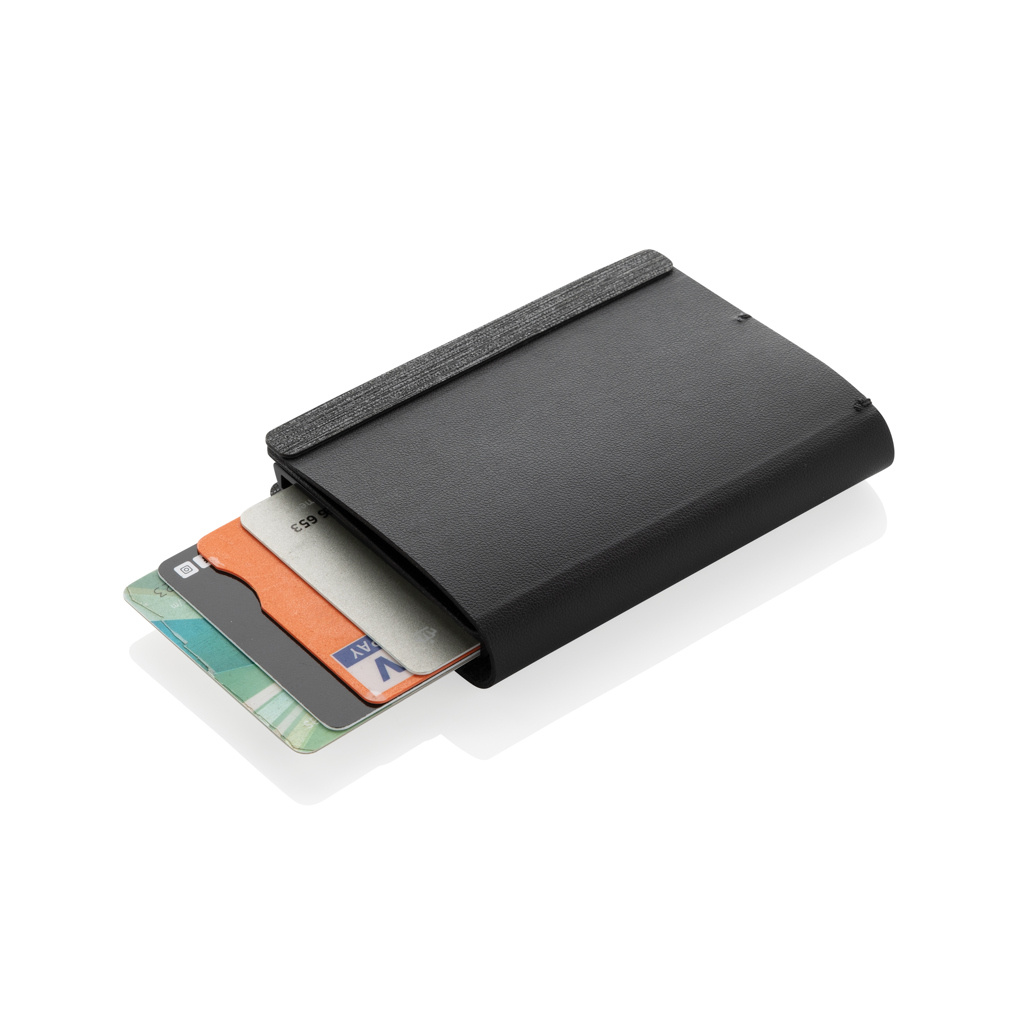
Seekcard has a wirelessly rechargeable battery. Place the side marked with the wireless charging symbol on a suitable certified wireless charger and remove the product after charging. The manufacturer's manual says not to leave it on the charger longer than necessary. The product information for this model specifies up to 3 cards in the metal card section. The adjacent pocket section has room for additional cards; capacity depends on card thickness.
Product choice and artwork
Corporate gifts · Card holder · Decoration services · Gift ideas on our blog
- ECO: 1
- Net weight: 92 g
- Pcs in carton: 80
- Minimum quantity: 5 pcs
- Categories: Bags, Card holder, Smart promo products, All products