A WIDE SELECTION OF PROMOTIONAL GIFTS

All promotional products from one place - convenient, fast and professional service

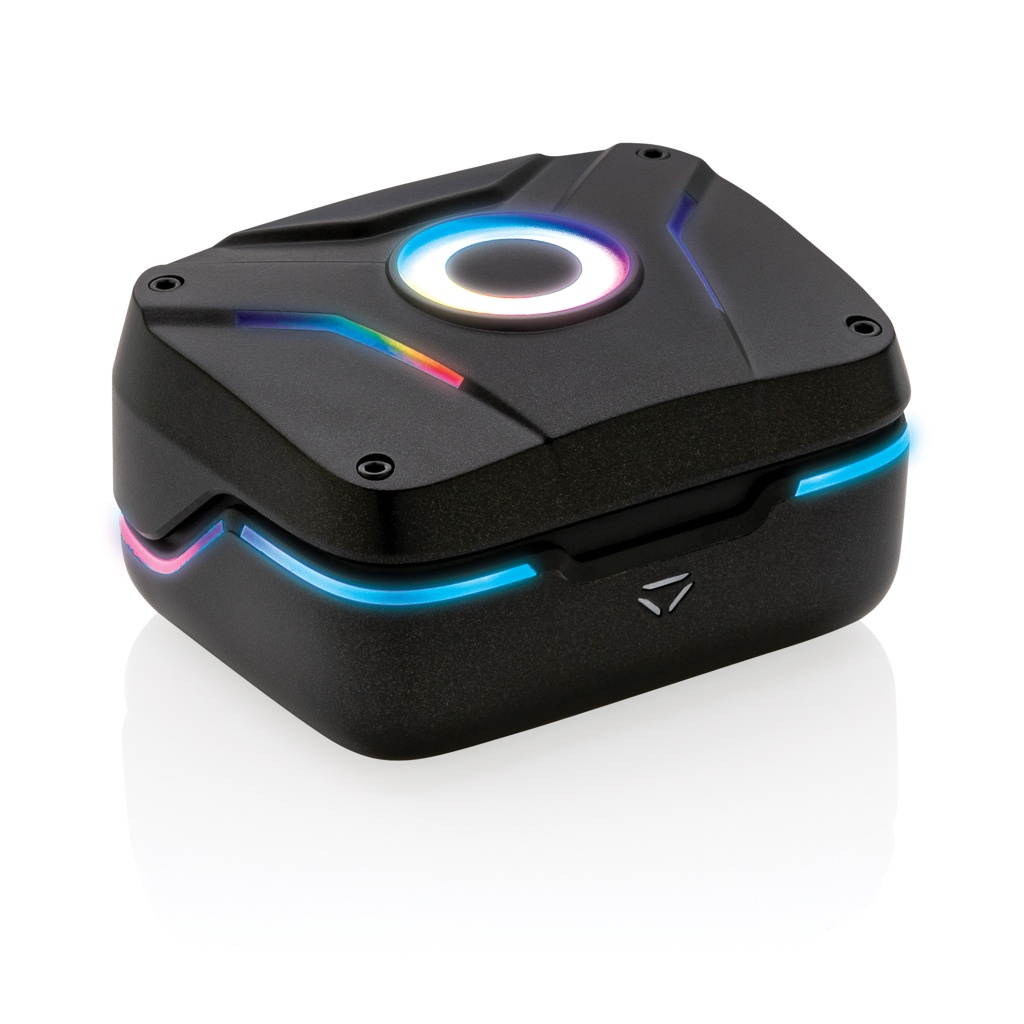
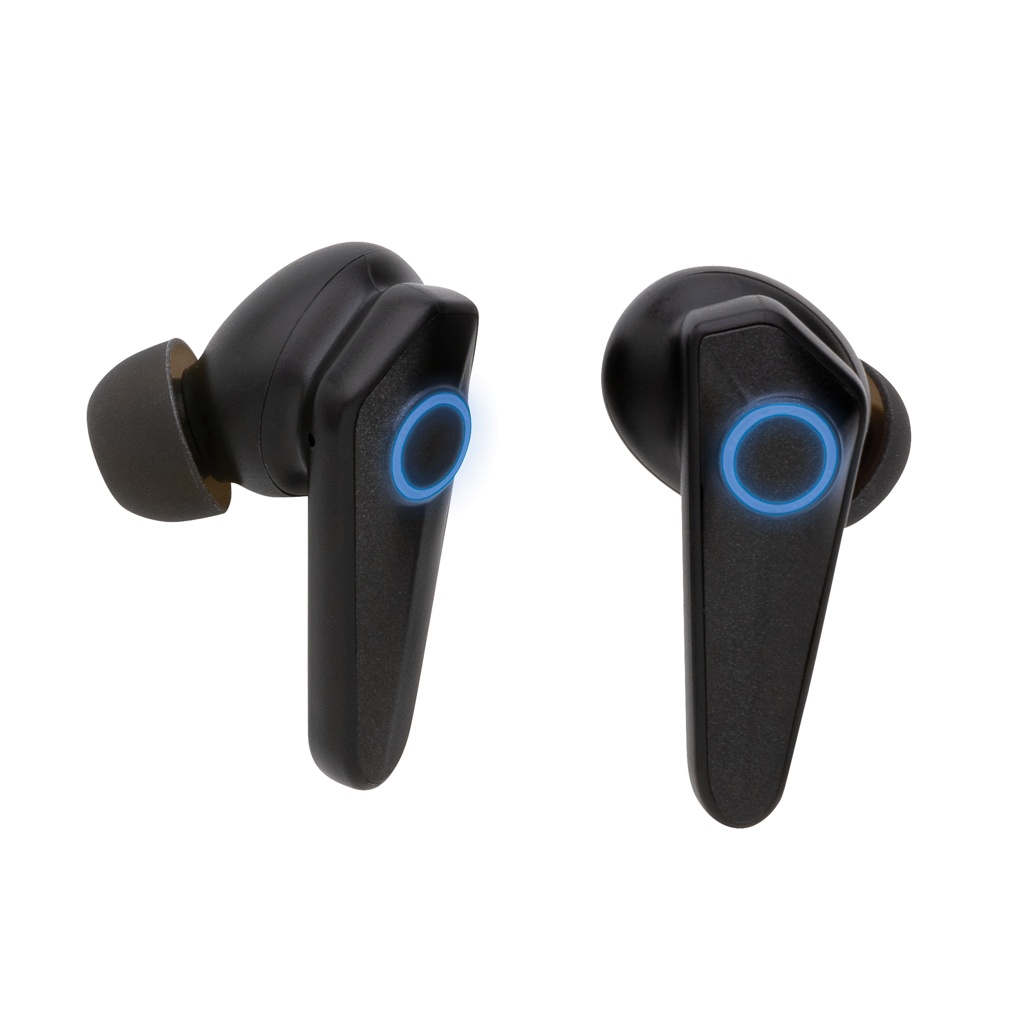
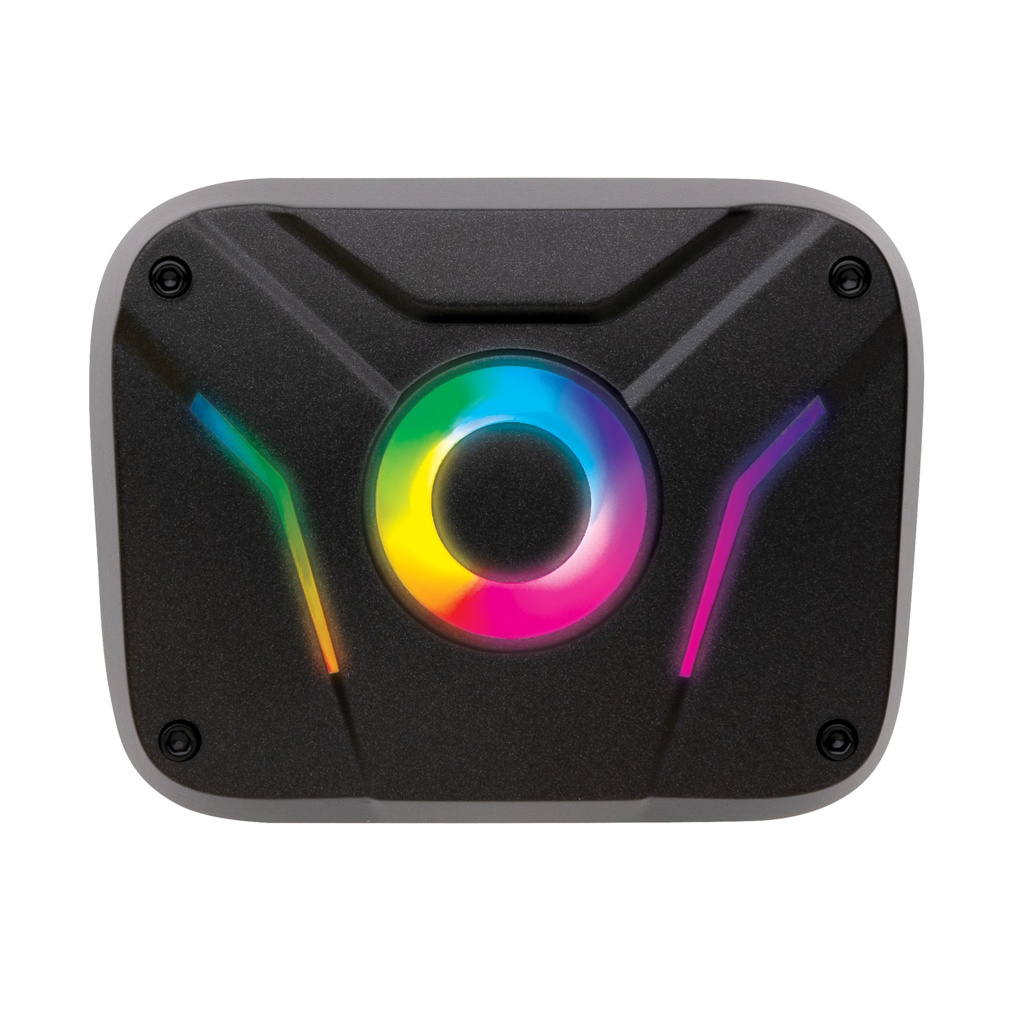
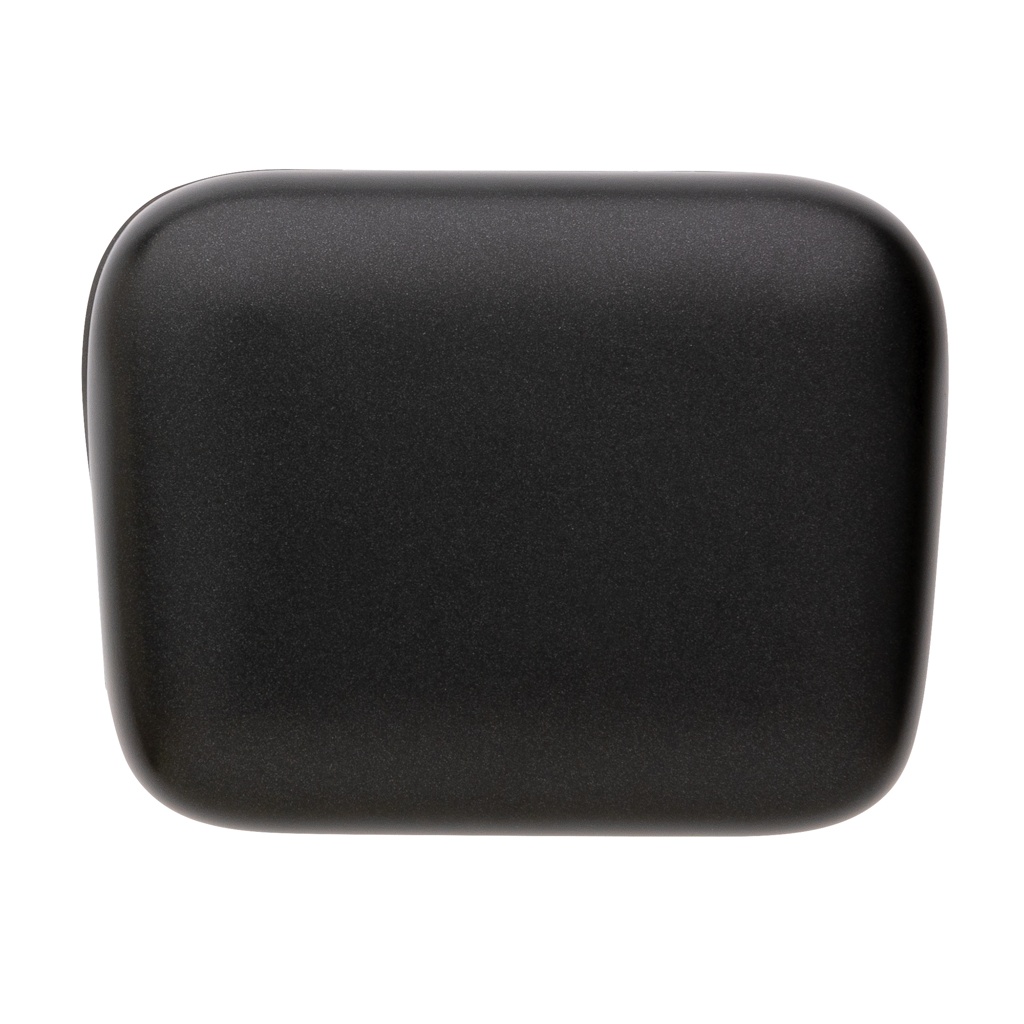
RGB gaming earbuds with ENC
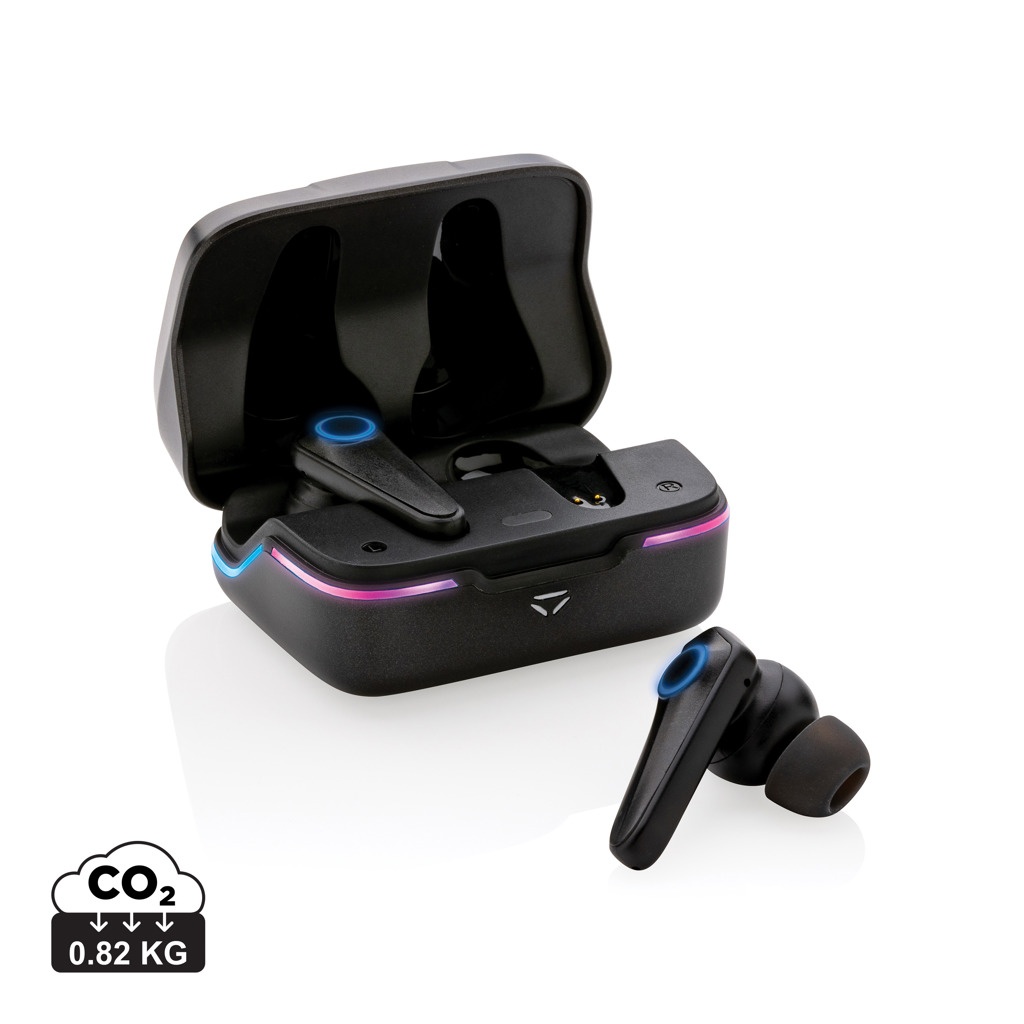
Products Electronics RGB gaming earbuds with ENC
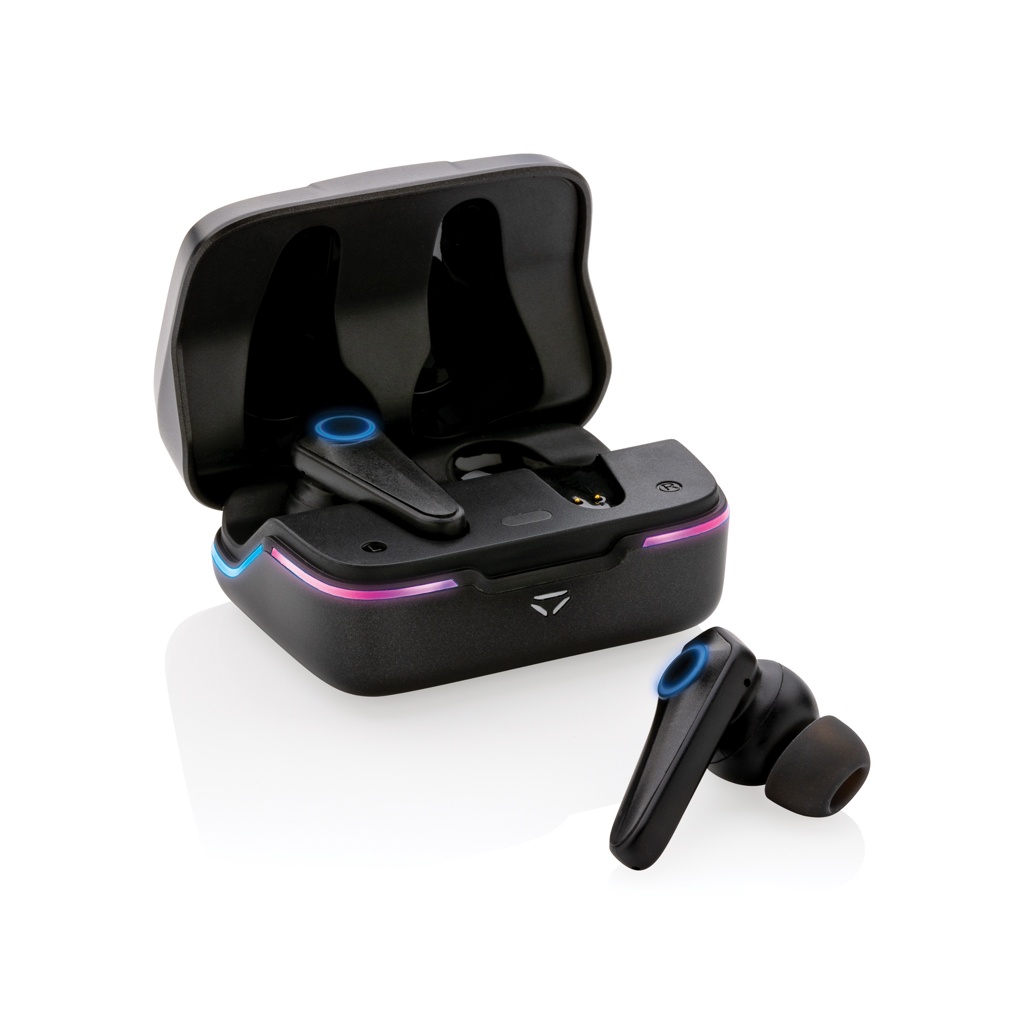
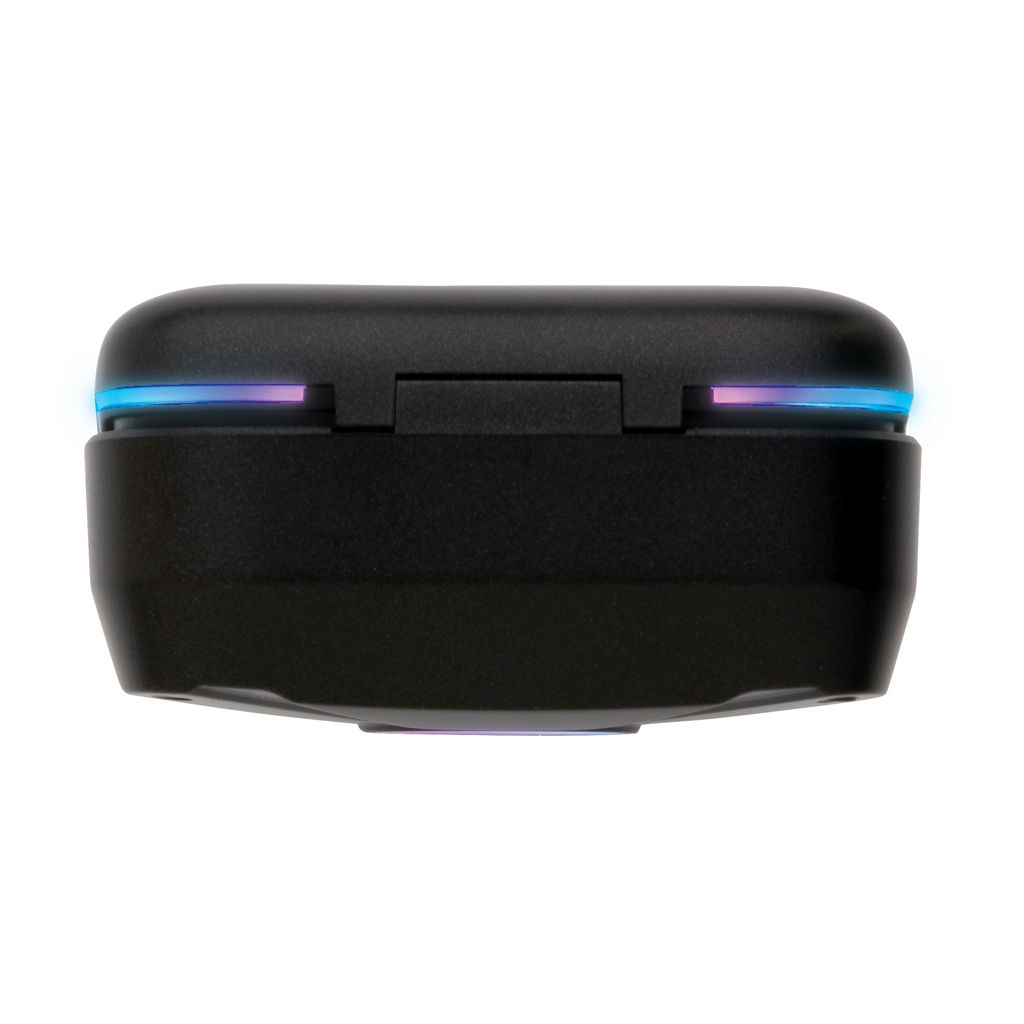
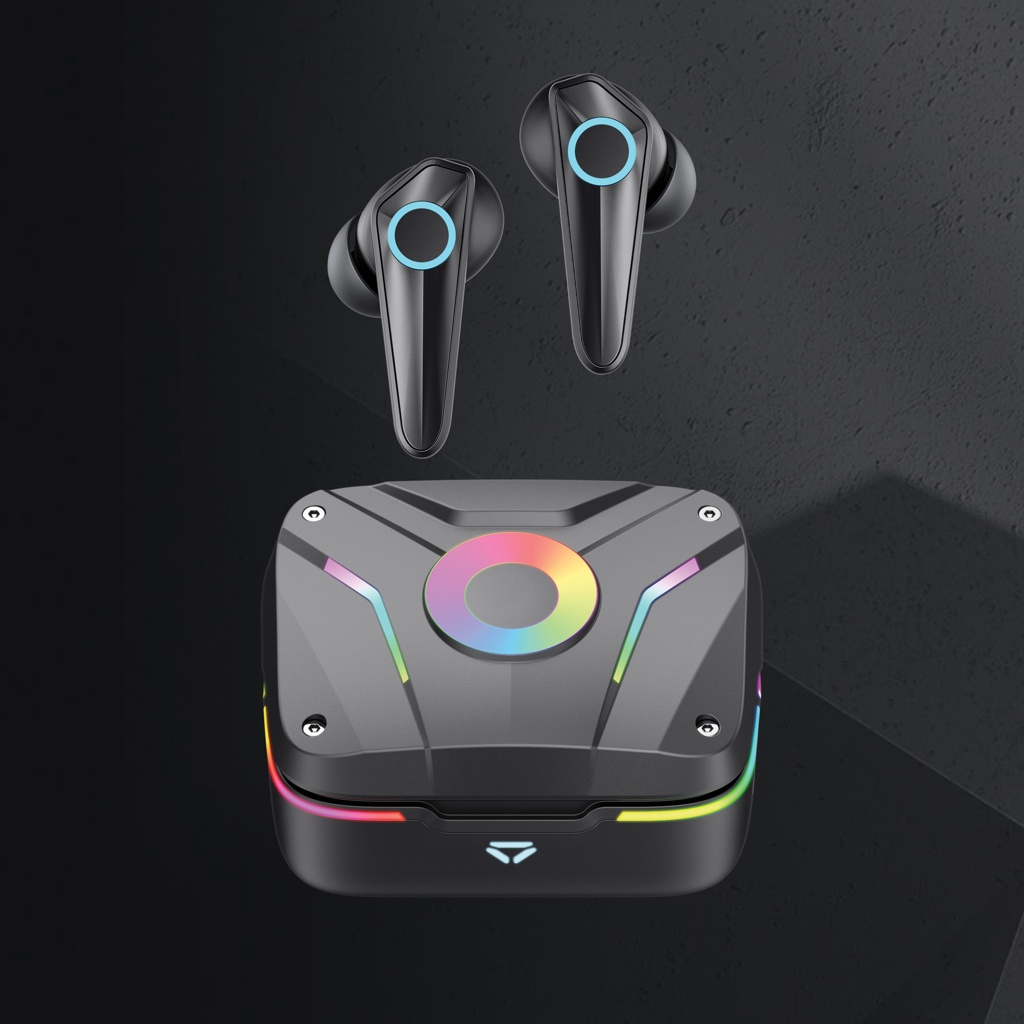
RGB gaming earbuds with ENC, product image
RGB gaming earbuds with ENC, detail view (1)
RGB gaming earbuds with ENC, detail view (2)
RGB gaming earbuds with ENC, detail view (3)
RGB gaming earbuds with ENC, detail view (4)
RGB gaming earbuds with ENC, detail view (5)
RGB gaming earbuds with ENC, detail view (6)
RGB gaming earbuds with ENC, detail view (7)
Price
40.70 €/pc + VAT

The displayed price applies to the product without printing, engraving or embroidery. Decoration costs are added according to the selected method.

Select quantity and calculate price

Enter amount:

Product codeAmountAvailability
XD-P329.20
unknown

Choose imprint:

Logo 1:
Logo 2:

Printable areas:

Try your logo on the actual product image. The preview uses the supplier's exact print-area position and dimensions.

RGB gaming earbuds with ENC: Logo position – lower front of the product
Logo position – lower front of the product
Print area: 15 x 5 mm
RGB gaming earbuds with ENC: Logo position – upper front of the product
Logo position – upper front of the product
Print area: 10 x 4 mm

This visual shows placement only; it is not a production file or proof of print quality. Artwork is checked and approved by a person before production.

Share this product:

Gaming Hero RGB P329.20

Remove both earbuds from the charging case: they switch on and pair with each other automatically. Enable Bluetooth on your phone and select Gaming Hero TWS from the device list. This model uses Bluetooth 5.1. According to the manufacturer, music playback lasts up to 6 hours. The earbud battery capacity is 40 mAh and the charging case capacity is 470 mAh. Actual runtime depends on factors including volume and how the earbuds are used.

Place the earbuds in the charging case; the case light indicates charging. To charge the case, connect the supplied USB-C cable to a power source. The manufacturer's manual gives approximately 2 hours for a full case charge.

This model has a built-in microphone and ENC for call communication. Double-tap either earbud to answer or end a call. Touch and hold either earbud to reject a call. Double-tap either earbud to play or pause. Triple-tap the right earbud for the next track and the left earbud for the previous track. These are the touch commands listed in this model's manual.

Touch and hold the right earbud to switch between gaming mode and music mode. This lets you select the mode for your activity directly on the earbud. The charging case has a separate RGB control button. It controls the model's integrated RGB lighting; the manufacturer's product information describes several lighting modes.

The manufacturer specifies IPX4 protection, which does not mean suitability for immersion. The manual instructs users to keep the product dry and avoid damp places. Use and charge the earbuds in a dry environment.

Three sizes of ear tips are included. According to the manufacturer, the connection range is up to 10 metres and the item and cable are PVC-free. Choose ear tips that fit and keep the connected device within range during use.

Product choice and artwork

Corporate gifts · Speakers and Headphones · Decoration services · Gift ideas on our blog

Frequently asked questions

How do I pair the Gaming Hero RGB earbuds with my phone?
Remove both earbuds from the charging case: they switch on and pair with each other automatically. Enable Bluetooth on your phone and select Gaming Hero TWS from the device list. This model uses Bluetooth 5.1.
How long can the P329.20 earbuds play on one charge?
According to the manufacturer, music playback lasts up to 6 hours. The earbud battery capacity is 40 mAh and the charging case capacity is 470 mAh. Actual runtime depends on factors including volume and how the earbuds are used.
How do I charge the Gaming Hero earbuds and their case?
Place the earbuds in the charging case; the case light indicates charging. To charge the case, connect the supplied USB-C cable to a power source. The manufacturer's manual gives approximately 2 hours for a full case charge.
Can I answer calls with these RGB earbuds?
Yes, this model has a built-in microphone and ENC for call communication. Double-tap either earbud to answer or end a call. Touch and hold either earbud to reject a call.
How do the Gaming Hero touch controls operate music?
Double-tap either earbud to play or pause. Triple-tap the right earbud for the next track and the left earbud for the previous track. These are the touch commands listed in this model's manual.
How do I switch the P329.20 between gaming and music modes?
Touch and hold the right earbud to switch between gaming mode and music mode. This lets you select the mode for your activity directly on the earbud.
Where are the Gaming Hero RGB lighting controls?
The charging case has a separate RGB control button. It controls the model's integrated RGB lighting; the manufacturer's product information describes several lighting modes.
Does IPX4 mean these RGB earbuds can be immersed in water?
No. The manufacturer specifies IPX4 protection, which does not mean suitability for immersion. The manual instructs users to keep the product dry and avoid damp places. Use and charge the earbuds in a dry environment.

Popular products